Online booking on a dental website:
how it should work.
Give each office one clear booking path. Plan it for the phone first, put the button where a thumb can reach it, confirm every request and track what happens next.
How booking connects to your scheduling system is agreed in scope, office by office. Get every answer in writing from any vendor, including us.
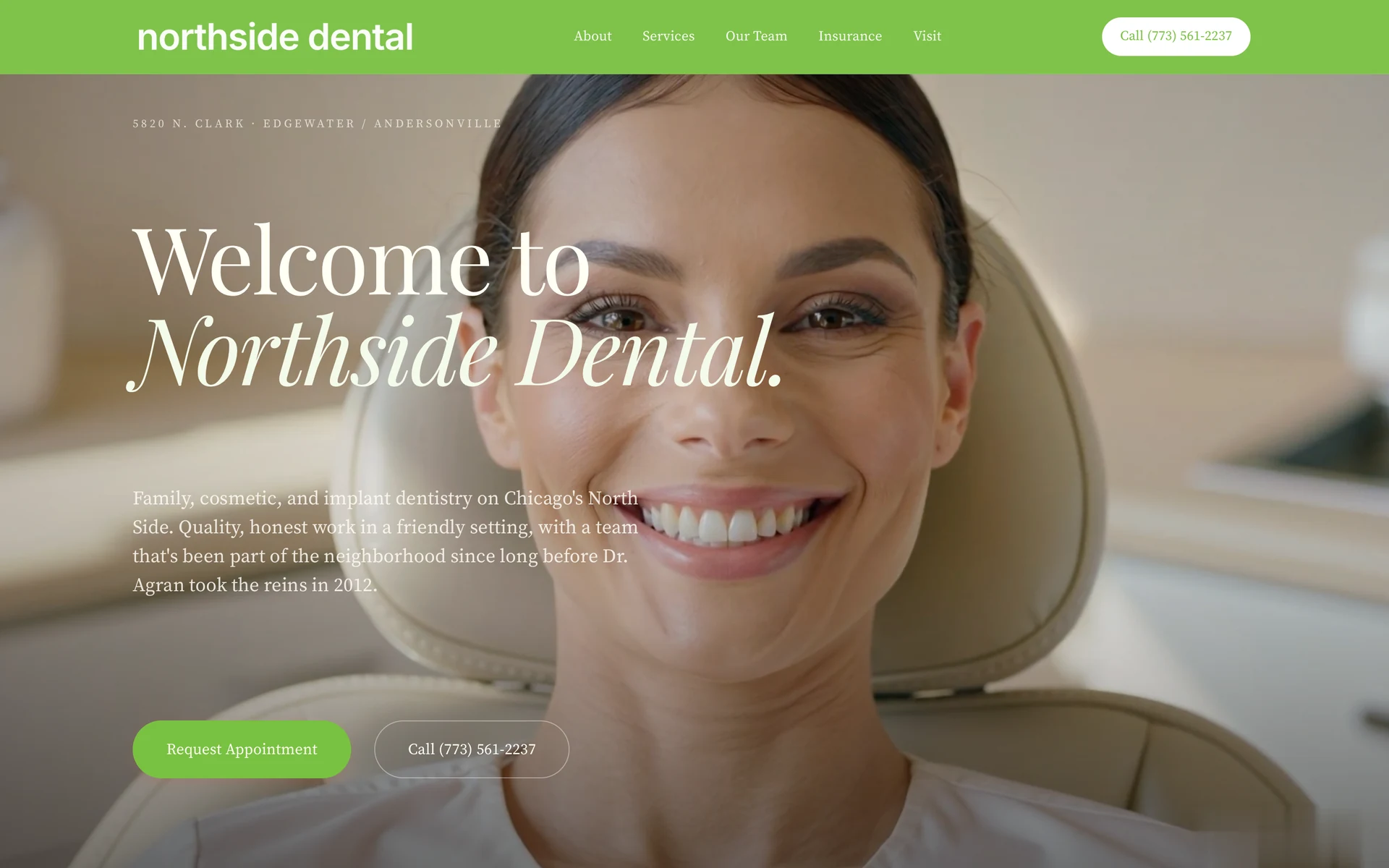
Explore the case study
The short answer
One office. One clear path.
Online booking works when a patient on a phone can see a book button, knows which office it reaches and gets a clear confirmation. Each office page gets its own button tied to that office’s schedule. If an office books by phone only, the button calls that office. How the button connects to each office’s system is agreed in scope, after we see what each office uses.
This is WTM’s view as a custom website studio. We do not name or review any booking or scheduling product. Confirm every connection in writing.
One path.
Six checks.
| Part of the path | What to check | In a WTM build |
|---|---|---|
| The book button | Is a button labeled book, schedule or appointment visible on the first phone screen? | Each office page has a book button. Where it sits is planned for the phone first. |
| The right office | Does the patient know which office they are booking before the scheduler opens? | Each book button opens that office’s schedule, or calls the office if it books by phone. |
| Request or reserved time | Can the patient tell whether they are asking for a visit or reserving a time? | Agree the wording in scope, office by office, so the page says which one it is. |
| Connection to your system | Ask in writing how the button reaches each office’s scheduling system and who keeps it working. | Connections are agreed in scope, office by office, once we see what each office uses. |
| Confirmation | What does the patient see after they book, and who on your team gets notice? | Agree in scope what the patient sees and who gets notice. Test delivery with your team before launch. |
| Tracking | Can you tell a tap on the button from a completed appointment? | Agree in scope what each office should track. Ongoing reporting is quoted separately. |
A 9-location dental group · Group-reported results
A real group.
Two measured months.
18+new patients in month one.
We built a new website, location pages and online booking for a dental group with 9 locations. The booking runs through our Patient Growth System. In month two, new patients ran 17% above the group’s usual monthly growth. We cannot share the group’s name.
Group-reported counts. This does not prove the website alone caused the increase, and it does not predict another group’s results.
See how we build for dental groupsHow does online booking work on a dental website?
A patient taps a book button. The button opens a schedule or a request form for one office. The patient picks a time or asks for one. Then they see a confirmation, and someone at the office gets notice.
That is the whole path: button, office, schedule, confirmation, follow up. Each step can break. A chat panel can cover the button. A request can go to an inbox no one reads. A tap can be counted as a booking when no visit was made.
Plan each step before the build. Then test it on a phone, office by office.
Why does each office need its own booking path?
A patient books one office, not a group. Each office page’s book button should open that office’s schedule, not a general form someone sorts later. If an office books by phone only, the button calls that office.
At WTM, each office has one record: name, address, phone, hours, booking link and map pin. That record feeds the page, the structured data and the book button.
A shared design does not prove that every office has the right booking destination. Check each one. For more on group sites, see DSO website design and our guide to a DSO platform or a custom build.
Why plan booking for the phone first?
Because a desktop review can miss what breaks on a phone: the phone keyboard, field labels, error messages, tap targets and whether the submit button shows. Test there first.
In our mobile booking study, checked October 12, 2026, we looked at the first phone screen of 20 dental homepages. 15 showed an appointment-labeled control and 14 showed a call control. Some screens also had cookie notices, promotions or chat panels.
The sample was small and not random. It counted visible buttons only. It does not show whether booking worked or brought in patients.
Where should the book button go?
On the first screen, where a thumb can reach it, labeled in the words patients use.
- Use a label like book, schedule or appointment. A generic Contact Us is not the same next step.
- Keep the opening message short so the button is not pushed off the first screen.
- Make sure cookie notices, chat panels and promotions do not cover the button.
- Make the phone number tappable, not plain text or part of an image.
- For a group, make the office clear before the patient reaches the scheduler.
In the study, entry points showed up in the header, the main introduction and the bottom of the screen. Open your own site on a phone with a fresh session and look.
What should you ask about your scheduling system?
Ask before you sign. How booking connects to your practice management system or booking tool depends on what each office runs today. We do not promise a connection up front. Connections are agreed in scope, office by office, once we see what each office uses.
Ask any vendor, including us, to answer these in writing:
- Which scheduling system does each office use today?
- Does the button reserve a time, or send a request the office confirms later?
- Where does a request go, and who sees it?
- If the connection fails, what does the patient see, and who is told?
- Who keeps the connection working after launch, and what does that cost?
- Can you show it working for one office before the rest go live?
If an answer is unknown, write that down and ask for it in writing. Do not guess.
What should happen after a patient books?
The patient should see a clear confirmation: which office, which time or that a request was sent, and what happens next. Someone at the office should get a notice they will act on.
Ask your team who sees a new request, how they respond and whether the patient gets a clear confirmation. Test delivery with the practice team before launch. Keep patient information out of screenshots and analytics.
How do you track online bookings?
Track each step on its own. A tap is different from a connected call, and opening a booking service is different from completing an appointment. A click only records that action if it is tracked correctly.
Compare the analytics with each office’s actual records before you judge the site. Agree in scope what each office should track. Ongoing reporting is quoted separately. If your site gets visits but few requests, read what to check when traffic brings no leads.
What does a WTM booking build include?
WTM Studio builds custom websites for dental practices and groups. Founder Ray Hussain leads every project. A booking build is planned around:
- A book button on every office page. It opens that office’s schedule, or calls the office if it books by phone.
- Connections agreed in scope. Office by office, once we see what each office uses.
- Mobile booking paths. The phone screen is part of the plan from the start.
Website redesigns typically cost $6,000 to $30,000 as a one-time project. New websites are quoted separately. We start with a free homepage concept for one practice. Then we agree the scope and one flat quote. No required retainer. You own everything we build. SEO and AI SEO are quoted separately. Read our pricing and engagement terms.
For single practice work, see the Northside Dental case study. For the wider picture, read what a dental website needs, or see our dental website design service.
WTM Studio is based in Miramar, Florida, and builds nationwide.