Why is my dental website
not getting new patients?
Usually the path breaks after the visit. Check booking on a phone, office pages, buttons, speed, insurance info, your Google listing and tracking.
This is a checklist, not a promise of new patients.
Explore the case study
The short answer
Fix the path before you buy more traffic.
When a dental website gets visits but few new patient requests, the break is usually between the visit and the request. The button is hard to find on a phone, the patient lands on the wrong office, or nobody counts the requests. Check each step below before you pay for more traffic or a new site.
This is WTM’s view as a custom website studio. Your own records decide what to fix first.
Seven checks.
One phone.
| Check | What goes wrong | How to test it |
|---|---|---|
| Mobile booking path | The book button is hidden, covered or labeled Contact Us. | Open the homepage on a phone. Is a book or call button on the first screen? |
| Location pages | One page for every office, or thin pages for newer ones. | Does each office page show its own address, phone, hours and book button? |
| Phone and book buttons | The number is plain text. The button opens a general form. | Tap the number. Tap book. Does each reach the right office? |
| Page speed | The page loads slowly, and the button shows up last. | Run Google PageSpeed Insights on mobile. Then try your own phone, off Wi-Fi. |
| Insurance and new patient info | Patients cannot tell if you take their plan or what to expect. | Ask someone outside the practice to find both. Watch where they stop. |
| Google Business Profile match | Name, address, phone or hours differ from the site. | Put each listing next to its office page. Compare every word. |
| Tracking calls and booking | Clicks are counted as patients, or nothing is counted. | Send a marked test request. Confirm the front desk gets it. |
A 9-location dental group · Group-reported results
A real group.
Two measured months.
18+new patients in month one.
We built a new website, location pages and online booking for a dental group with 9 locations, through our Patient Growth System. In month two, new patients ran 17% above the group’s usual monthly growth. We cannot share the group’s name.
Group-reported counts. This does not prove the website alone caused the increase, and it does not predict another practice’s results.
See how we build for dental groupsCan a patient book from a phone?
Open your homepage on a phone in a fresh browser. Can you see a book button or a call button without scrolling or opening the menu? In our mobile booking study of 20 dental homepages, 15 showed an appointment control on the first screen and 14 showed a call control. The sample was small and not random, and a visible button does not prove booking works. It is still the first thing to check.
Then follow the path to the end. Does the patient know which office they are booking? Does a cookie notice, chat panel or promotion cover the button?
Does each office have its own page?
Patients search for a dentist near them, a specific office or a treatment. One contact page with a list of addresses is not enough.
Each office needs a page with its own address, phone, hours, services, team and a book button tied to that office’s schedule. Our DSO website design page lists what each location page should hold. For a single office, the same rule applies to your homepage.
Is the page fast on a phone?
A slow page can hide the button while it loads. Test your office pages in Google PageSpeed Insights on the mobile setting. Then load the same pages on your own phone, away from office Wi-Fi.
Look for clear problems: large images, pop-ups that load late and layouts that jump. A good score does not prove more patients. It removes one reason to leave.
Can patients tell if you take their plan?
A new patient may have two questions before booking. Do you take my plan? What happens at the first visit?
Put insurance and payment notes where patients look: on each location page and on a clear insurance page. List the plans each office accepts only if you can keep the list current. If not, give the number to call.
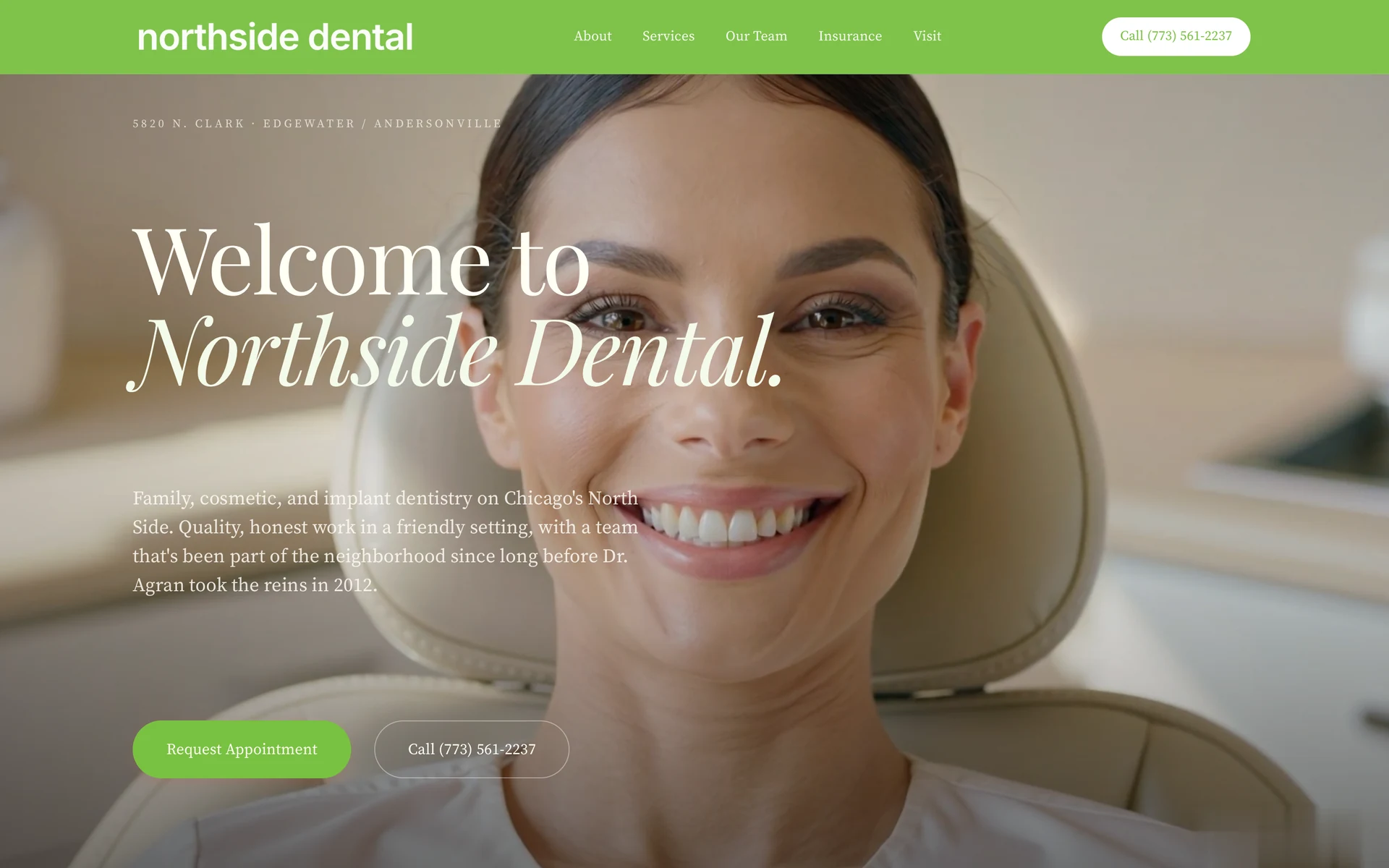
Add a short new patient section: what to bring, which forms to fill in and what the first visit covers. The Northside rebuild included insurance guidance, doctor profiles and appointment paths. See the Northside Dental case study.
Does your site match your Google Business Profile?
Patients may see your Google listing before they see your site. The name, address, phone and hours should read the same on the listing, the office page, the footer and the structured data. Small gaps, like “Suite 200” in one place and “Ste 200” in another, may make it harder for search engines and patients to trust the details.
Each location page should show that office’s own number, the same one on its listing, so patients reach the right front desk. Our local SEO checklist covers the listing side.
Are you counting calls and bookings?
Sometimes the site works and the count is wrong.
A tap on a phone number is not a connected call. Opening a booking tool is not a completed appointment. A button click, a submitted request and a completed visit are different events. Record each one separately.
Send a clearly marked test request from a phone and follow it to the front desk. Call each office number from the site. Then compare your analytics with the front desk’s new patient records. Keep patient information out of analytics and screenshots.
If the numbers do not match, fix the tracking before you judge the site. Our guide to website traffic but no leads covers the same test.
Should you fix the site or rebuild it?
Not every problem needs a new website. A tappable number, a clearer button label or a corrected listing can often be fixed on the site you have.
A rebuild makes sense when the structure is the problem: no page per office, booking that cannot reach each schedule, or a system you cannot change. Our redesign without losing SEO checklist covers the move. If you are weighing a platform, read our platform or custom guide for one practice or, for groups, DSO website platform vs custom build.
How can WTM help?
WTM Studio builds custom dental websites. Founder Ray Hussain leads every project. We start with the patient path:
- A book button per office. Each one opens that office’s schedule, or calls the office if it books by phone. Connections are agreed in scope, office by office.
- Location pages from one template. Address, phone, hours, services, team and insurance notes.
- Details that match Google. Structured data for each office, matching its page and listing.
Website redesigns typically cost $6,000 to $30,000 as a one-time project. New websites are quoted separately. We start with a free homepage concept. Then we agree the scope and one flat quote. No required retainer. You own everything we build. SEO and AI SEO are quoted separately. Read our pricing and engagement terms, or see dental website design.
WTM Studio is based in Miramar, Florida, and builds nationwide.